.svg "D-Parts.de")




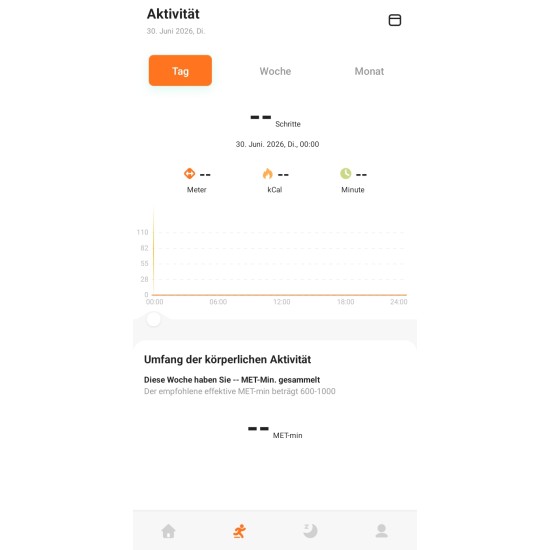
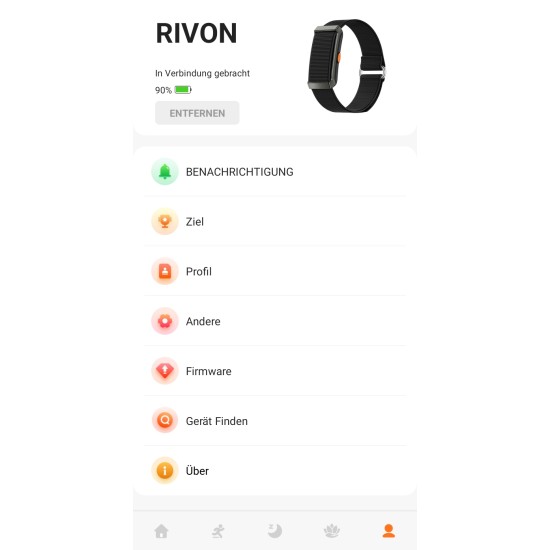
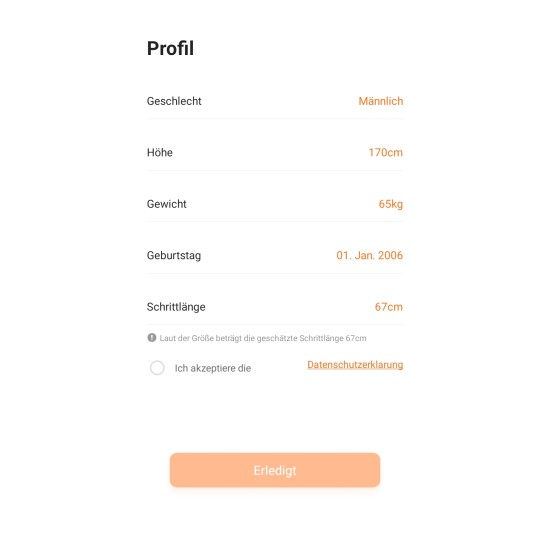
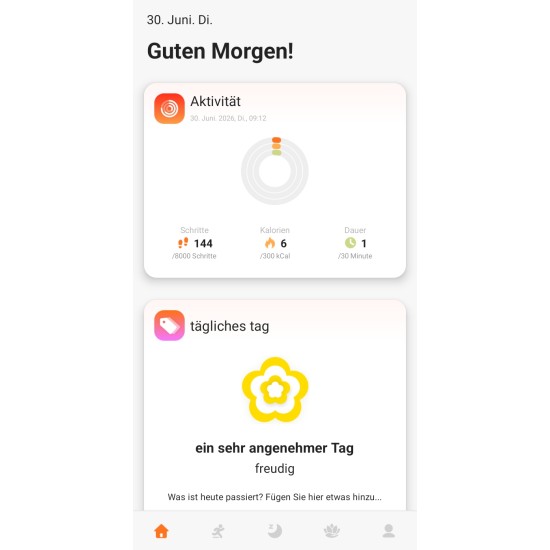


Rivon is an easy-to-use companion app for the Fontastic Rivon smart band.
The app offers basic functions that record and evaluate your daily activities.
Functions:
- The Status view gives you a quick overview of your sporting activities, such as steps, distance, calories, daily goal, as well as sleep, heart rate and more. You will find further information if you tap on the individual sections (steps, sleep, etc.).
- Training: Whenever you start a training, all fitness data from the Rivon smart band will be automatically transferred to your Smart Phone. When you take your Smart Phone with you during sports, you can even see the your walking route within the app. ⁴
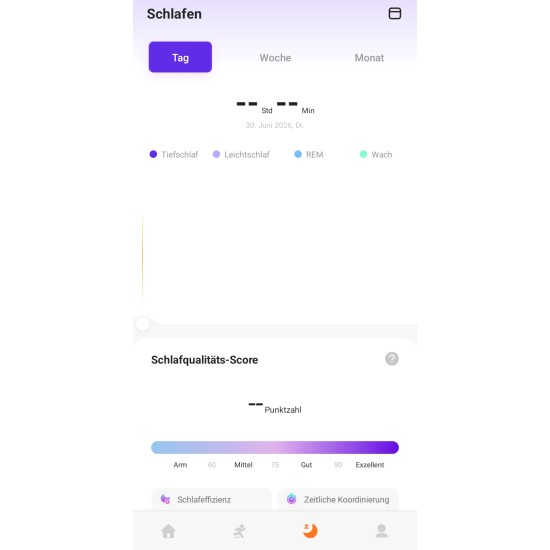
- Sleep: Learn more about your sleep with the integrated sleep analysis of the Smart Watch. The app shows you the duration of light sleep, deep sleep and restless phases. ¹
- Notifications: Select which app you want to use to receive vibration alarms when getting a new notification. You decide which apps are allowed to forward notifications.
- Alarms: Let the Rivon smart band wake you up or remind you by vibrating at certain times.
- Camera: Take photos remotely with your Rivon smart band using the built-in photo trigger feature. This feature is especially useful if you don't have a free hand to press the shutter button. ²
- Find device: Use this function if you can't find your connected Rivon smart band. The band vibrates so you can easily find it again.
- Reminder: If you have not actively moved for a long time or have not drunk water for a long time, the Smart Watch will remind you.
- All day heart rate: When activated, the Smart Watch automatically measures your heart rate every 30 minutes.
¹ Sleep analysis only works if the Smart Watch is worn while sleeping. The time when falling asleep must be within 10:00 PM and 06:00 AM. The wake-up time can be after this time period.
² This function is only available when the app is running in the background.
³ This function is only available when the Always-On mode is not active.
⁴ Recording of the route required location to be set to "Always allow the time" in order to track your movement while the app is running in the background.
⁵ This function requires the use of background audio on your phone.
NOTES:
This app is not intended for medical use and must not be used for any medical concerns or issues.
It is only designed for general fitness and wellness purposes.
The Rivon smart band is not a medical device.
The app is only compatible with above mentioned models.
All data shown within the app are purely used to track your fitness activities.
If you are concerned about your health, please consult a doctor.
A connected device that features various sensors must be used with the app. The app cannot be used without a connected device.
Link: Apple App Store (iOS)
QR-Code:

Link: Google Play Store (Android)
QR-Code:

- Brand: D-Parts
- Model: Fontastic RIVON App